How to Read a Car Odometer and Understand the Mileage Shown
An odometer is a device on a vehicle that records the total distance the vehicle has travelled. Reading it correctly...
An odometer is a device on a vehicle that records the total distance the vehicle has travelled. Reading it correctly is simple, but it does mean finding the right display, verifying that the figure is in miles or kilometres, and making sure you aren’t looking at the trip meter by accident.
Mileage matters because it gives a basic indication of how much a vehicle has been used. It can help with maintenance planning, service scheduling, and assessing a used car alongside its age, condition, and history. Getting it wrong is an honest misread, but it can shape a decision that’s expensive to get wrong.
What Is an Odometer?
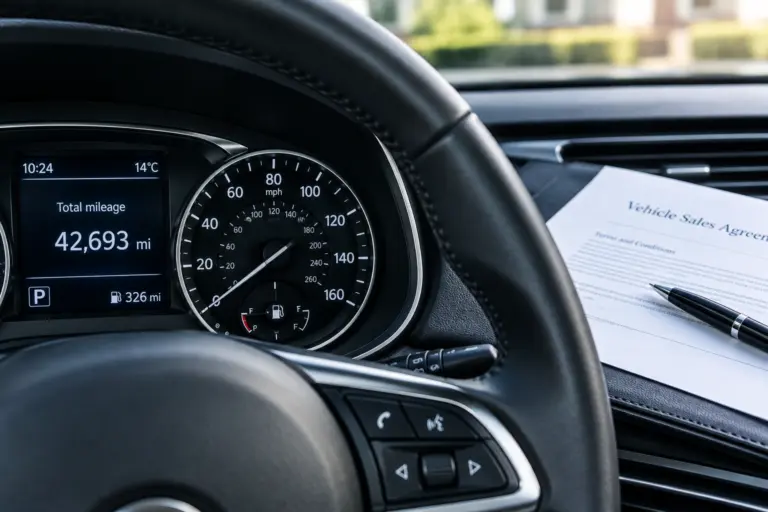
An odometer is a vehicle instrument that records and displays the total distance recorded by the vehicle. On most cars, the odometer is located within the instrument cluster, usually behind or around the steering wheel.
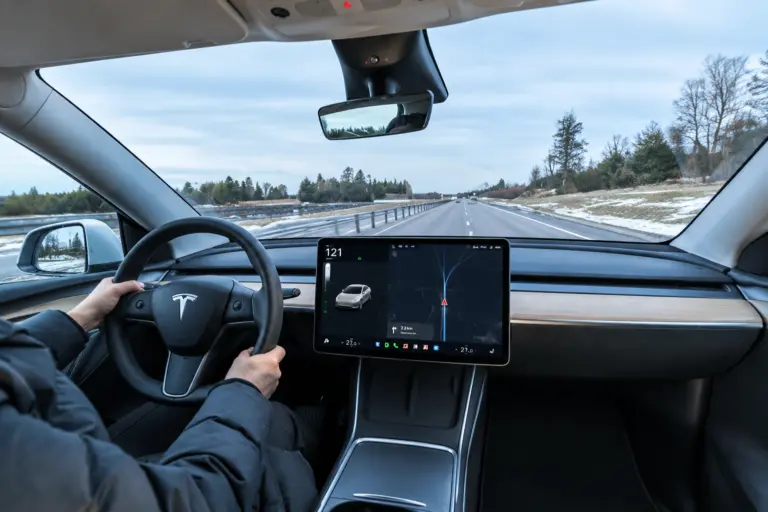
On newer vehicles, it may appear on a digital driver information display rather than as a separate physical counter.
The recorded distance is expressed in miles or kilometres depending on the vehicle and region. The exact appearance varies between manufacturers and models, but the purpose is the same: to provide the vehicle’s recorded distance figure.
How to Read an Odometer
Reading an odometer is generally straightforward once you know which displays represent the total distance and which unit the vehicle uses.
Before recording the figure, check three things:
- You are looking at the odometer, not a trip meter
- You know whether the display is showing miles or kilometres
- You record all of the relevant digits shown on the display
Reading a Digital Odometer
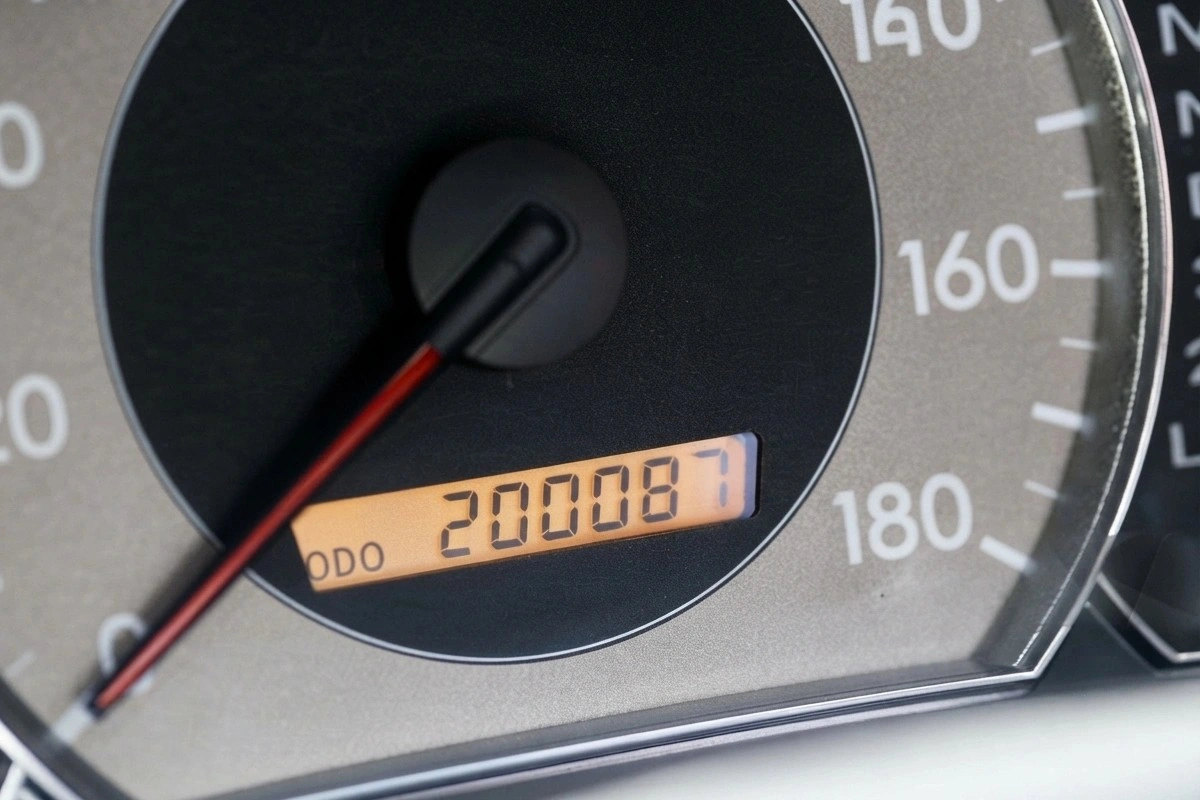
Most vehicles on the road today use a digital odometer, shown electronically rather than through physical rotating digits. It’s often labelled “ODO” and may sit within a small driver information display, or be accessible through a menu in the instrument cluster depending on the vehicle. Some vehicles show the odometer alongside other information such as current speed, fuel range, or trip distance.
For example, in the image, the display shows:
ODO 200087
This is the total distance the vehicle has recorded.
Reading a Mechanical Odometer
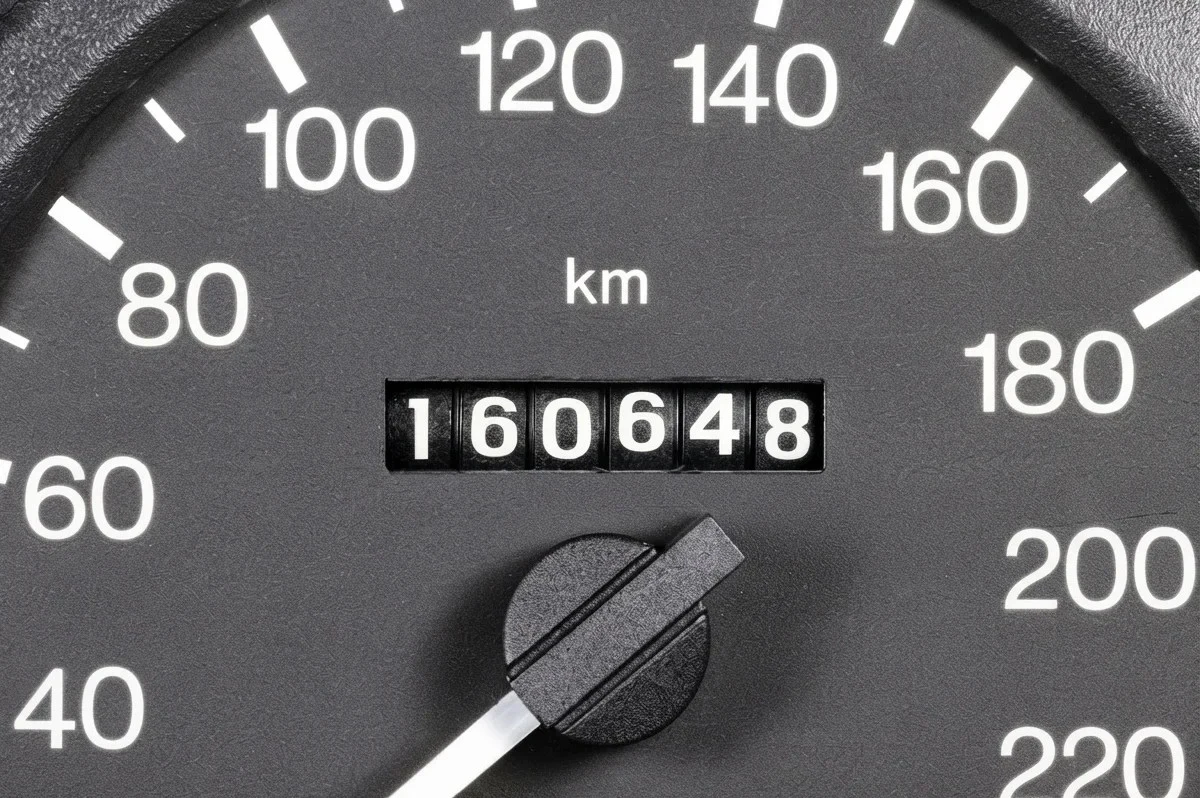
Older vehicles use a mechanical odometer made up of rotating number wheels. As the vehicle travels, the wheels turn, and the digits increase; read from left to right, the same way.
For example, in the image, you can clearly see the total odometer reading is:
160648 km
This is the total recorded distance shown by the vehicle’s odometer.
Some mechanical odometers use the rightmost digit to represent tenths of a mile or kilometre, sometimes shown in a different colour. Check the full display and unit carefully before recording the reading.
Where Can You Find the Odometer Reading?
The odometer is usually located:
- Directly behind the steering wheel
- Within the main instrument cluster
- On the driver information display, in vehicles with a digital dash
- Within the dashboard menu system, on some newer models
On many cars, the odometer is visible as soon as you switch on the ignition. On others, the driver may have to use steering wheel controls, dashboard buttons, or a touchscreen menu to display it.
The exact location depends on the manufacturer and vehicle model. So, if you can’t spot it immediately, the quickest way to confirm is to check the vehicle’s manual or the manufacturer’s guidance for that model.
Odometer vs Trip Meter: What Is the Difference?
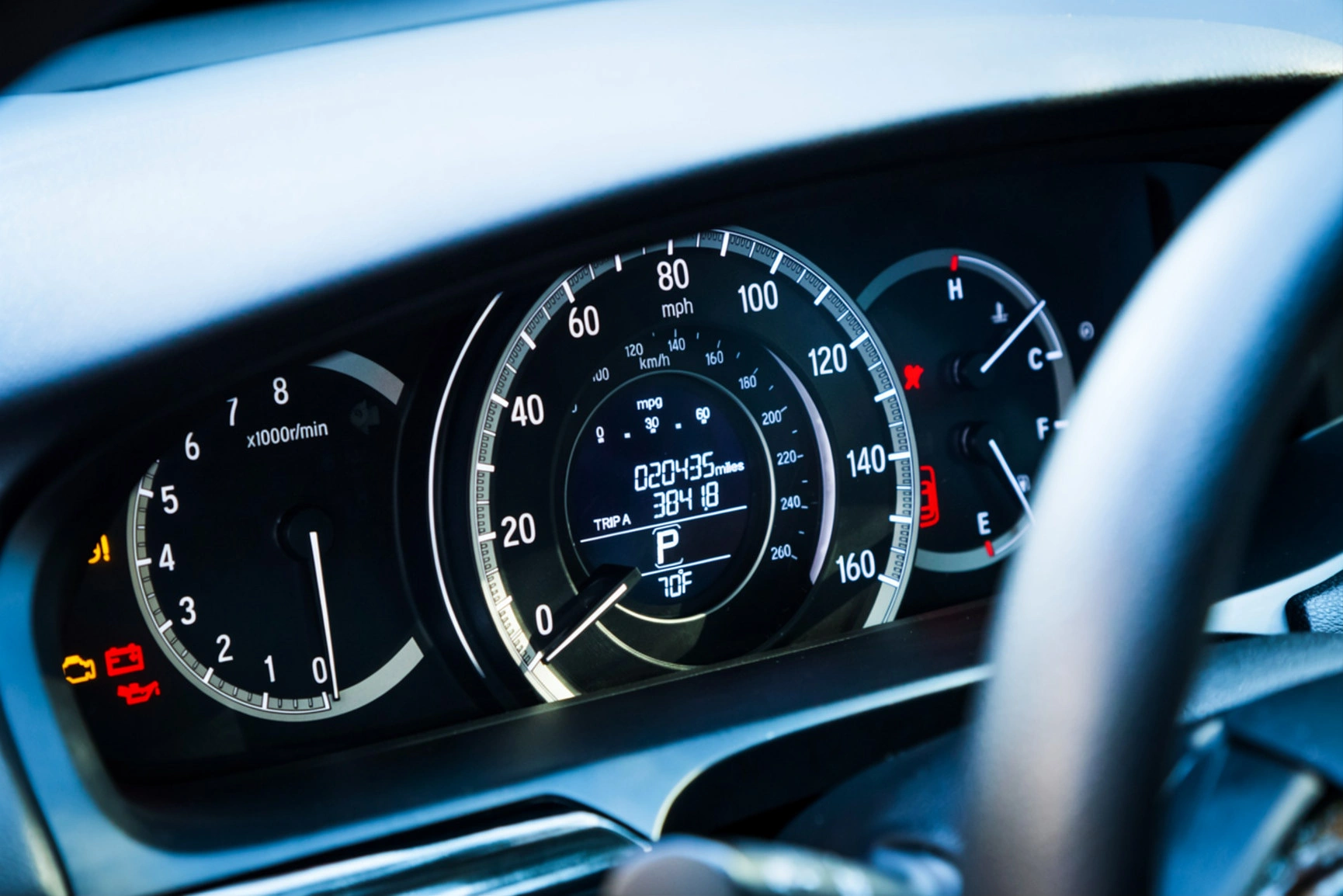
The odometer and trip meter both display distance, but they serve different purposes.
- The odometer shows the vehicle’s total recorded distance and, under normal circumstances, the driver can’t reset it.
- The trip meter tracks the distance covered on an individual journey or over a period you choose and can be reset at any time, usually with a button or a menu option near the main display.
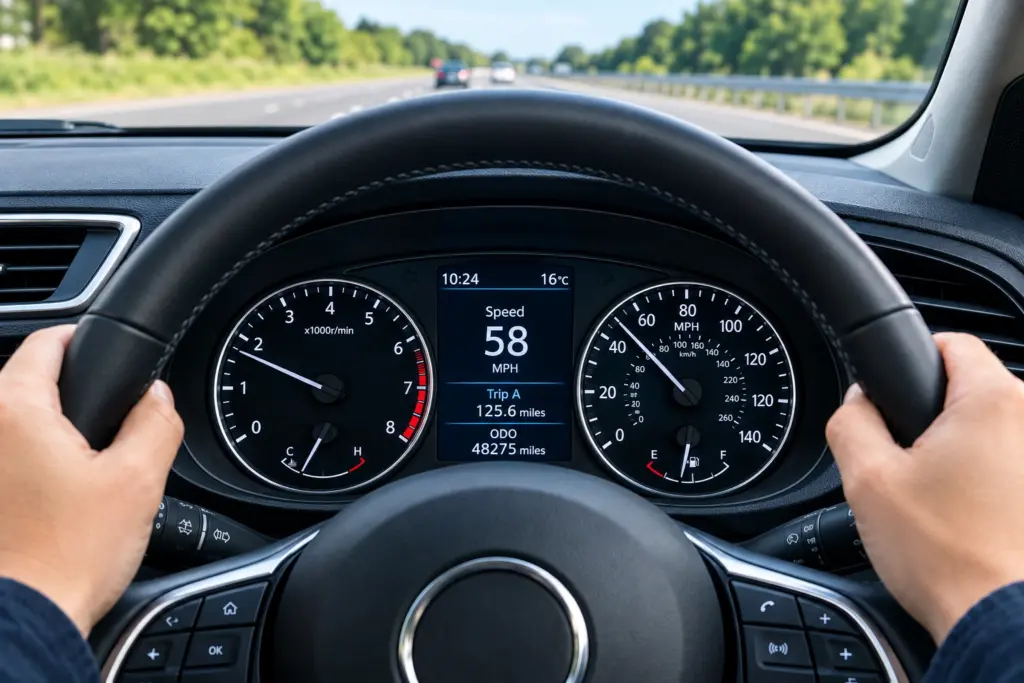
For example, in the top-most image, the dashboard shows 20435 miles on the main odometer, with 3841.8 miles Trip showing the current journey. Both numbers are accurate; they measure completely different things. Mistaking one for the other is an easy error to make, particularly on a car you’re not familiar with.
Miles vs Kilometres: Understanding the Display
Not every vehicle displays mileage in the same unit. UK vehicles typically show miles, but imported vehicles, or cars originally sold in a different market, may display kilometres instead, and some allow you to switch between the two in the settings menu.
Look for a small unit indicator near the number itself, usually shown as:
mi or miles
km or kilometres
This is worth checking carefully on any vehicle with an import history, since kilometre readings can look deceptively low if you assume it’s in miles. For example: 80,000 km is 47,710 miles.
Why Is an Odometer Reading Important?
An odometer reading provides useful information about the distance a vehicle has recorded. It becomes more meaningful when considered alongside the vehicle’s age, condition, maintenance history, and previous records.
Vehicle Maintenance
Mileage is central to working out service intervals. Manufacturers specify servicing or inspection based on a combination of time and distance. Mileage can therefore help determine when certain scheduled maintenance is due. Depending on the vehicle, mileage may be relevant when checking:
- Routine service intervals
- Engine oil and filter servicing
- Brake inspections
- Tyre condition
- Timing belt or related maintenance schedules
- Other manufacturer-specified inspection points
Many manufacturer service schedules use time, mileage, or whichever specified threshold is reached first.
Used Vehicle Value
Mileage is one of the factors buyers and valuation tools use to judge a car’s usage. Higher mileage indicates more accumulated usage, but it shouldn’t be considered in isolation. Condition and service history matter just as much, and a low-mileage car with a patchy service record isn’t automatically the safer buy.
Age, service history, mechanical condition, previous repairs, ownership history, and the type of driving undertaken can all provide additional context.
Vehicle History Check
Mileage becomes particularly useful when compared with historical records.
For a UK vehicle, potentially useful sources include:
- MOT history
- Service records
- Maintenance invoices
- Vehicle history records
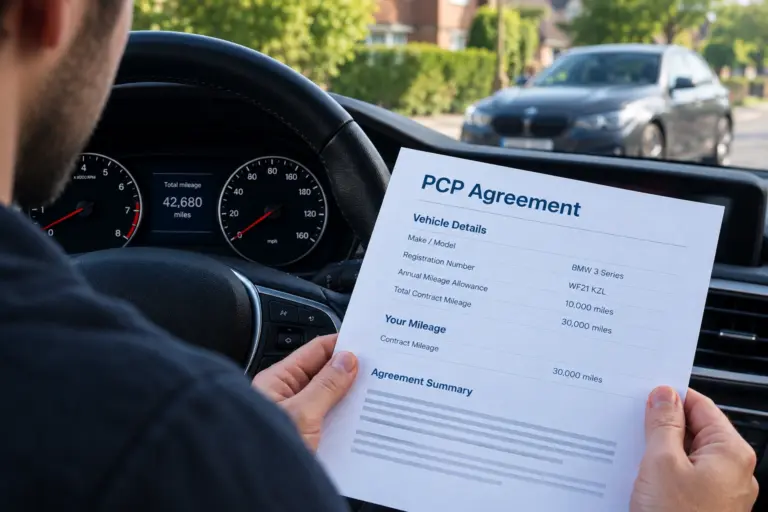
Looking at the car’s mileage history at different points can establish whether the available records form a consistent timeline.
Can an Odometer Reading Be Inaccurate?
The displayed odometer reading may not always tell the complete story of a vehicle’s history. There are legitimate reasons the current dashboard reading may need additional context. Potential sources of differences include:
- Instrument cluster replacement
- Incorrectly recorded mileage in documentation
- Data differences between vehicle systems
- Service or maintenance records containing an error
- Gaps or inconsistencies in historical documentation
None of these, by itself, proves deliberate tampering. A discrepancy is a reason to ask questions and look at the wider picture, not an automatic verdict on mileage manipulation. That’s why you shouldn’t treat a single dashboard reading as a vehicle’s complete history.
How to Check an Odometer Reading Before Buying a Car
If you are considering a used car, checking the displayed mileage is only the starting point. A more useful approach is to compare it with independent vehicle information and historical records.
- Check the MOT History: For vehicles with an MOT history, review the recorded mileage at previous tests. Compare the mileage recorded at each test and look for a consistent, logical progression over time.
- Review Service Records: Check available service documentation, such as invoices, maintenance papers, and previous inspection records, against the current odometer reading.
- Compare Available Vehicle Information: A vehicle history report and diagnostic information may provide additional mileage-related data depending on the vehicle and the data sources available. The amount and type of data available vary considerably between manufacturers and models.
The objective of mileage history check is not simply to find two numbers that differ. It is to understand where each number came from, when it was recorded, and why it may be different.
Where Is Odometer Data Stored Besides the Dashboard?
The dashboard display isn’t necessarily the only place mileage-related information exists in a modern vehicle. Depending on the make and model, certain vehicle systems besides the odometer that can retain distance-related data include:
- The instrument clusters
- Certain electronic control modules
- Service and maintenance records
- Vehicle history databases or external records
Modern vehicles contain multiple electronic systems, but not every vehicle stores mileage information in the same places or formats. The availability and reliability of mileage-related data can vary by manufacturer, model, and system configuration.
Odometer Reading vs Mileage Correction vs Mileage Blocking
Three terms that sound related but mean quite different things:
- Odometer reading is simply the distance figure currently displayed on the vehicle.
- Mileage correction generally refers to changing a vehicle’s displayed mileage or related recorded mileage information.
- Mileage blocking prevents new mileage from being recorded while the mileage blocker is active. It does not rewrite mileage already recorded.
Understanding the difference matters if you’re researching any of these topics, since they’re often used loosely, and sometimes incorrectly.
Common Mistakes When Reading an Odometer
Even though reading an odometer appears simple, several avoidable mistakes can lead to incorrect mileage information being recorded or interpreted.
- Reading the trip meter instead of the odometer, particularly on unfamiliar vehicles or digital displays with several screens to scroll through.
- Confusing miles and kilometres, especially on imported vehicles or those with adjustable display units.
- Recording the wrong figure, whether from a quick glance or a transcription error when noting mileage down for paperwork.
- Assuming lower mileage always means better condition. A well-maintained car with higher mileage can often be in better mechanical shape than a low-mileage vehicle that’s been poorly looked after or left standing for long periods.
Taking a moment to read the display properly and cross-checking it against other records can avoid most of these mistakes.
Final Thoughts
Reading a car odometer correctly is straightforward once you know what to look for. Identify the total recorded distance, confirm whether the vehicle uses miles or kilometres, and distinguish the odometer from the resettable trip meter.
The odometer is an important source of information, but understanding a vehicle’s mileage properly means looking beyond the number displayed on the dashboard.



Not sure which module fits your vehicle?
Use our vehicle finder or talk to our UK support team.